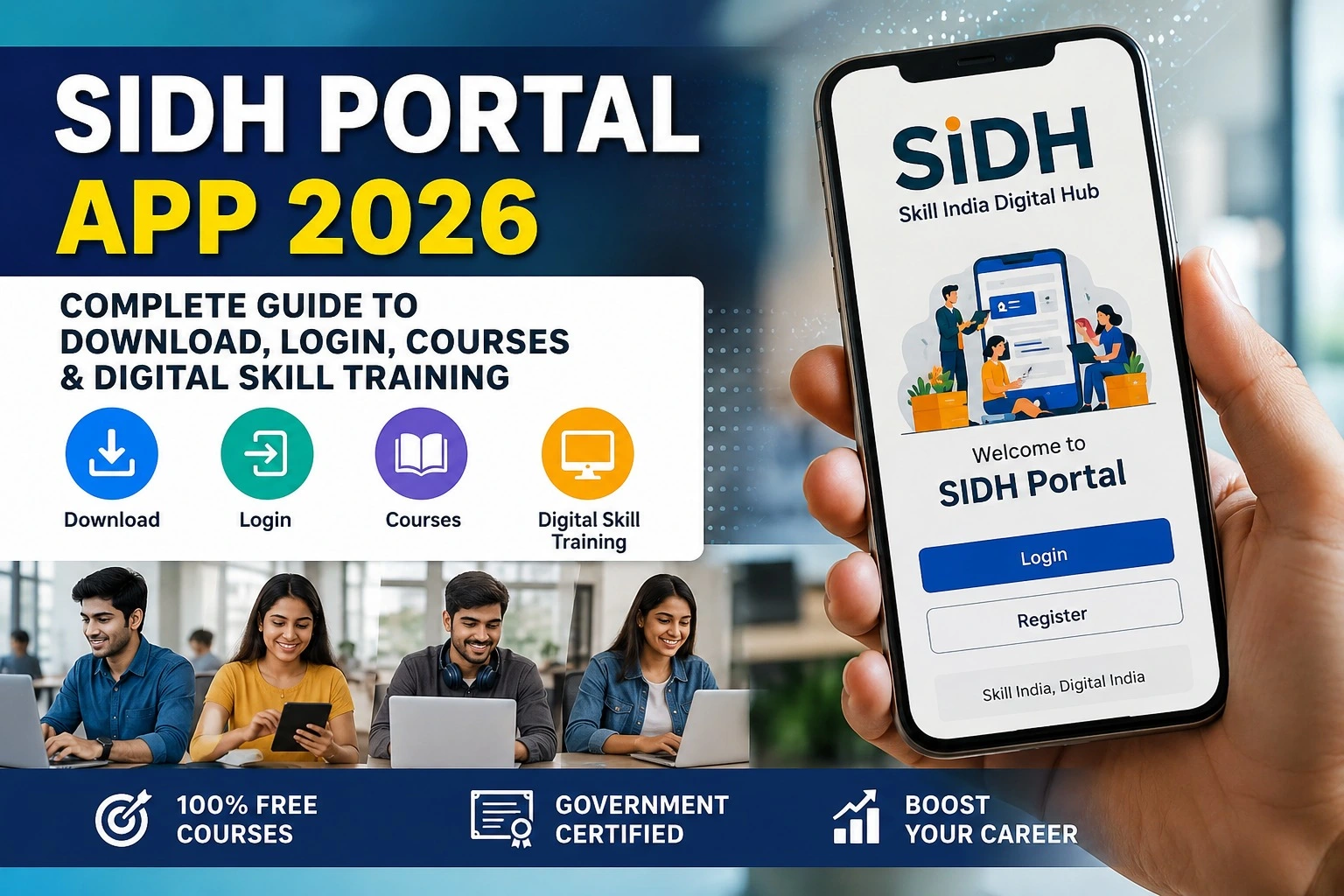
SIDH Portal Student Registration 2026: Step-by-Step Online Registration Guide
If you want to learn new skills, find suitable training programmes or explore opportunities available through Skill India, the SIDH Portal Student Registration 2026 process is an important first step. SIDH stands for Skill India Digital Hub, a Government of India digital platform designed to connect learners with skill development courses, training opportunities, certifications and other career-related services.
The official Skill India Digital Hub currently provides access to courses and skill-development schemes across different sectors.
This guide explains the SIDH Portal Student Registration process in simple steps, along with login information, e-KYC, courses, important links and common problems.
What Is SIDH Portal?
SIDH Portal, or Skill India Digital Hub, is a digital platform under the Ministry of Skill Development and Entrepreneurship. It brings different skilling-related services together so that learners can search for courses, training opportunities and other career-focused options.
The official platform describes its services around skill courses, certification, skill centres, jobs and apprenticeships.
For students and other learners, SIDH can be useful for discovering training programmes according to their interests and career goals.
Important SIDH Portal Details
| Particular | Details |
| Portal Name | Skill India Digital Hub (SIDH) |
| Registration | Online |
| User Type | Learner/Candidate |
| Main Services | Skill Courses, Training, Certification and Career Opportunities |
| e-KYC | Aadhaar-based e-KYC may be required |
| Official Website | skillindiadigital.gov.in |
| Registration Status | Check through your SIDH account |
SIDH Portal Student Registration 2026
The SIDH Portal Student Registration process is primarily completed online. According to the official NSDC candidate registration guide, a new user needs to select the registration option, enter the mobile number, verify the OTP, create an account PIN/password and complete Aadhaar-based e-KYC.
How to Register on SIDH Portal
Follow these steps carefully:
Step 1: Visit the Official SIDH Portal
Open the official Skill India Digital Hub website.
Always check that you are using the official government portal before entering your personal information.
Step 2: Select Register
If you are a new user, look for the Register option on the portal. The official SIDH FAQ also explains that new users can begin registration by selecting Register and entering their phone number.
Step 3: Enter Your Mobile Number
Provide an active mobile number that you can access. An OTP will be sent to the registered mobile number for verification.
Step 4: Verify the OTP
Enter the OTP received on your mobile phone. Make sure the OTP is entered correctly before continuing.
Step 5: Create Your PIN or Password
After mobile verification, set your account PIN/password. Keep these login details secure because they will be required when you access your SIDH account later.
Step 6: Complete Aadhaar e-KYC
The official candidate registration instructions include entering Aadhaar details for e-KYC. Follow the instructions displayed on the portal and provide the required information carefully.
Step 7: Complete Your Profile
After registration and verification, complete the information requested in your learner profile. Providing accurate details can help you find relevant courses and training opportunities.
What Can Students Do After SIDH Registration?
Once you have registered as a learner, you can use the platform to explore available opportunities. The official SIDH website currently lists skill courses and skill-development schemes in areas including IT, digital marketing, coding and AI.
Depending on the programme and eligibility requirements, learners may be able to:
- Search for skill development courses
- Explore available training opportunities
- Find suitable batches
- Apply or express interest in eligible programmes
- Access certification-related services
- Explore apprenticeship opportunities
- Look for career and employment-related opportunities
NSDC’s candidate guidance also explains that registered learners can find and apply for batches through the Skill India Digital platform.
SIDH Portal Courses
One of the major reasons students use the portal is to discover skill courses.
The available courses can change over time. Therefore, students should check the official portal rather than relying on old lists published elsewhere.
SIDH also provides a dedicated page for free online courses, where learners can explore courses intended to develop practical skills and earn certifications.
SIDH Portal Login 2026
After completing registration, you can return to the official portal and use the login option to access your account.
Keep your registered mobile number and account PIN/password available. If you have forgotten your login details, use the recovery or help option provided on the official portal rather than creating multiple accounts unnecessarily.
Common Problems During SIDH Registration
Students may sometimes face difficulties while registering. Common issues include:
OTP not received: Check your mobile network and wait before requesting another OTP.
Aadhaar e-KYC problem: Make sure the details entered match your Aadhaar information and follow the instructions shown on the portal.
Login problem: Recheck your registered mobile number and PIN/password.
Course not visible: Course and batch availability can change. Check the official SIDH portal again for current listings.
Registration already completed: Try logging in rather than creating another account.
If a technical issue continues, use the official support/help options available through the Skill India Digital ecosystem.
Important Links for SIDH Portal Student Registration
| Purpose | Official Link |
| SIDH Portal | Open SIDH Portal |
| SIDH Courses | View Skill Courses |
| SIDH FAQ | View Official FAQ |
| NSDC Candidate Registration Guide | View Registration Guide |
Is SIDH Portal Registration Free?
The registration process itself is an online account-creation process on the official Skill India Digital Hub. However, do not assume that every course or programme available through the platform has identical fees or eligibility conditions.
Before applying, check the individual course or programme details on the official portal.
Frequently Asked Questions
What is SIDH Portal Student Registration?
SIDH Portal Student Registration is the process through which a learner creates an account on the Skill India Digital Hub to access available skill-development and career-related services.
How can I register on SIDH Portal in 2026?
Visit the official SIDH website, select Register, enter your mobile number, verify the OTP, create your account PIN/password and complete the required e-KYC and profile information.
Is Aadhaar required for SIDH registration?
The official NSDC candidate-registration instructions include Aadhaar details for e-KYC. The exact requirements can depend on the service or programme being accessed.
Can students find courses through SIDH?
Yes. The official platform provides a course section where learners can explore available skill courses and related opportunities.
Can I apply for a batch after registration?
Registered learners can search for available batches and apply or express interest where the relevant programme permits it.
Final Words
The SIDH Portal Student Registration 2026 process is useful for learners who want to explore India’s digital skill-development ecosystem. Registration starts with mobile verification and may include Aadhaar-based e-KYC, followed by completion of the learner profile.
For the latest courses, batches, eligibility requirements and application options, always check the official Skill India Digital Hub rather than relying on outdated information.
If you are planning to register, the safest approach is simple: use the official SIDH website, enter accurate information, complete the required verification and check individual course details before applying.